Messaging System
Flylogs includes an internal messaging System. This, allows you to send notifications internally to any of your users in a secure and ordered manner.
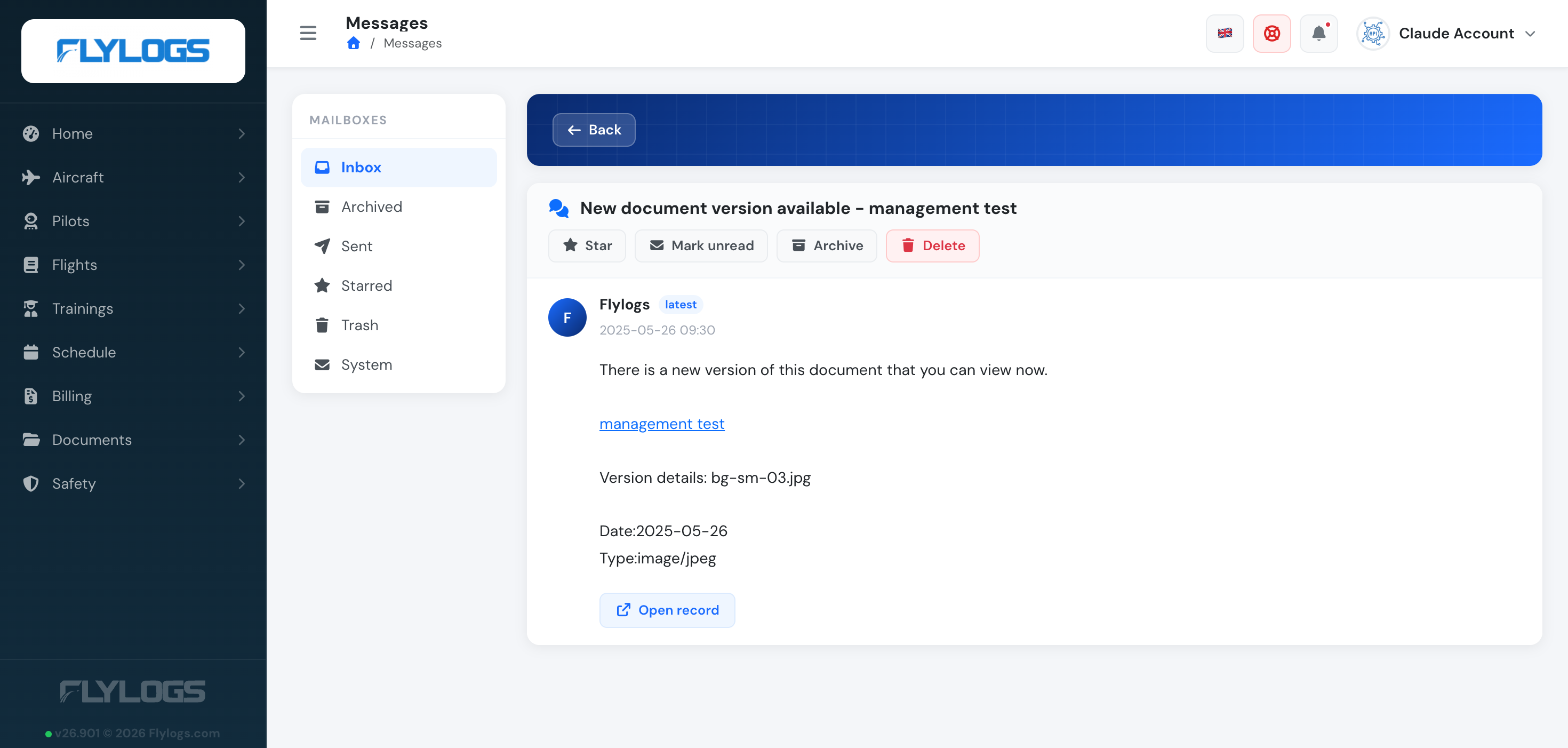
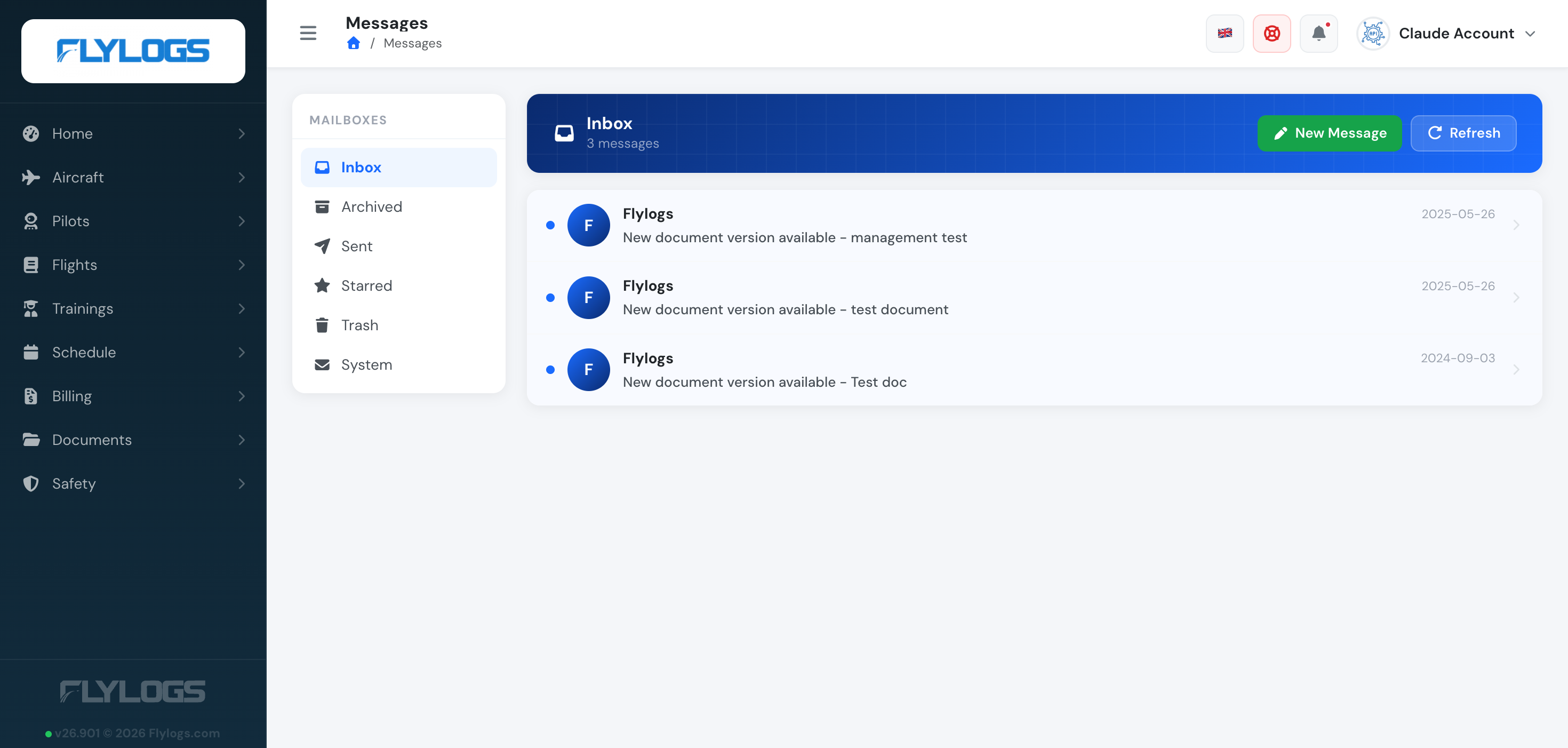
Messages are organized into mailboxes — Inbox, Archived, Sent, Starred, Trash, and System (automated notifications, such as a document getting a new version, arrive here).
If there are any unread messages, you will see a RED number on the top right corner showing the amount of unread messages waiting for you. Clicking on the number, shows a quick preview of the messages and the option to navigate to your inbox.
Sending a message
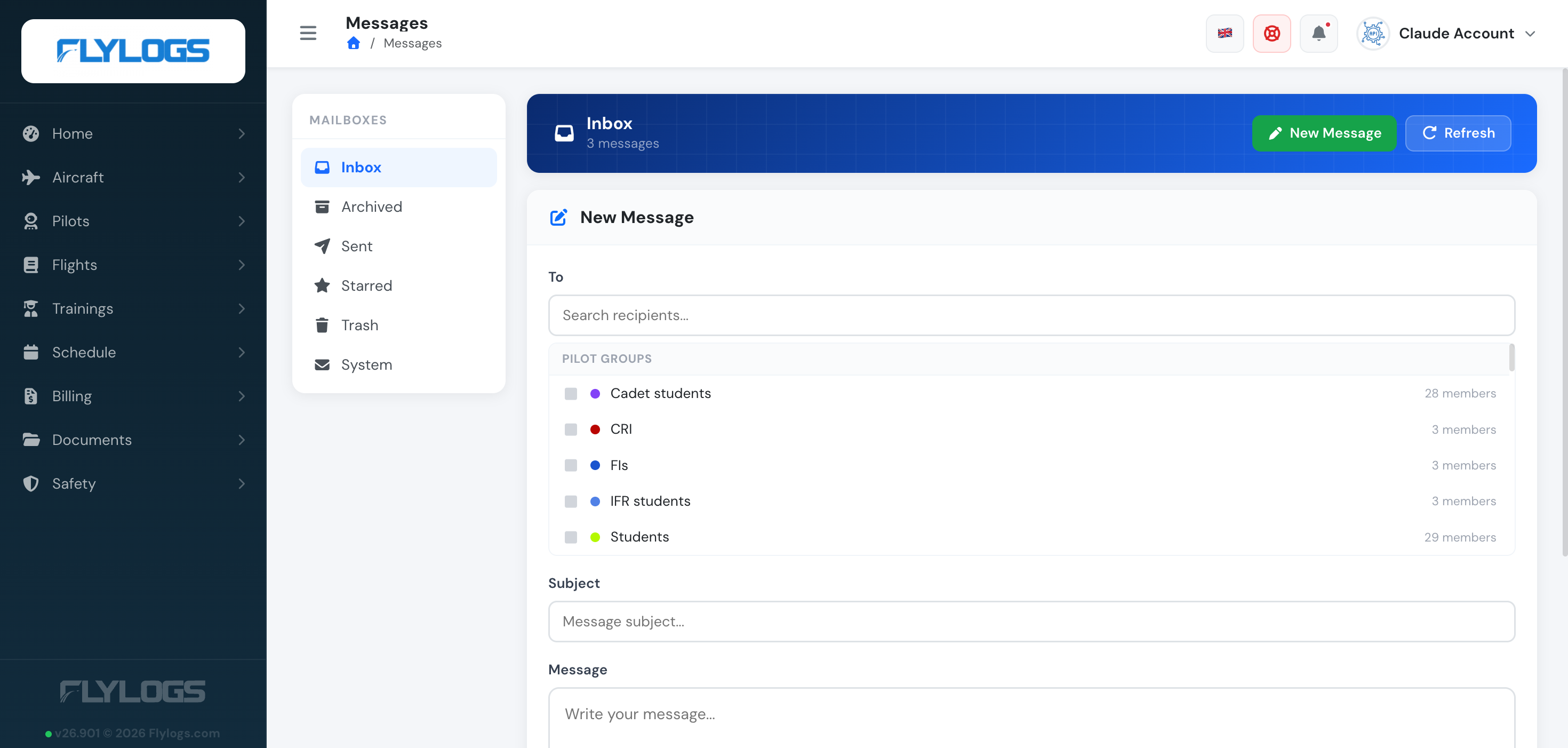
Section titled “Sending a message”Users in group level 170 or lower (Flight Instructors and above) can click New Message to compose. You can address individual users, and — if you are staff (group level 150 or lower) — whole Pilot groups at once, addressed by name with their member count shown.
You can also message someone directly from their profile page (Send message), including when your role only gives you the limited profile view of other users. Auditors cannot send messages from a profile.
Only staff can mark a message Urgent. An urgent message that stays unread is checked every minute and triggers an automatic email reminder shortly after (subject to the recipient’s notification preferences and a confirmed email address); non-urgent unread messages are instead summarized in a daily digest email.
Reading a message
Section titled “Reading a message”Click on any message to open it and its available actions: Star, Mark unread, Archive, Delete, and — for a message from another user — Reply. A conversation reads top to bottom: the original message first, the most recent reply last. Replies go to the other person in the conversation, even when the last message in the thread is your own.