

New: grounded means grounded, and defects without a flight
November 2026 · Fleet & Maintenance
Marking a defect report Grounded now takes the aircraft out of service. Crew cannot book it and nobody can dispatch it until maintenance releases it. Any pilot can also report a defect straight away, with no flight log entry.
Why we built it
Section titled “Why we built it”Until now, Grounded on an aircraft report was a label. It appeared on the report and in the message to managers, but the aircraft stayed bookable and could still be dispatched. A club had to rely on everyone reading their messages before booking.
Reporting the defect was a problem too. Pilots and students could only file a report from a logged flight, so a defect found on the walk-around or on a parked aircraft meant inventing block and flight times first.
How it works
Section titled “How it works”Report defect is now on the Flights page, on every booking, in the dispatch window and on the aircraft page. It opens the usual report form with no flight attached. Everyone can use it.
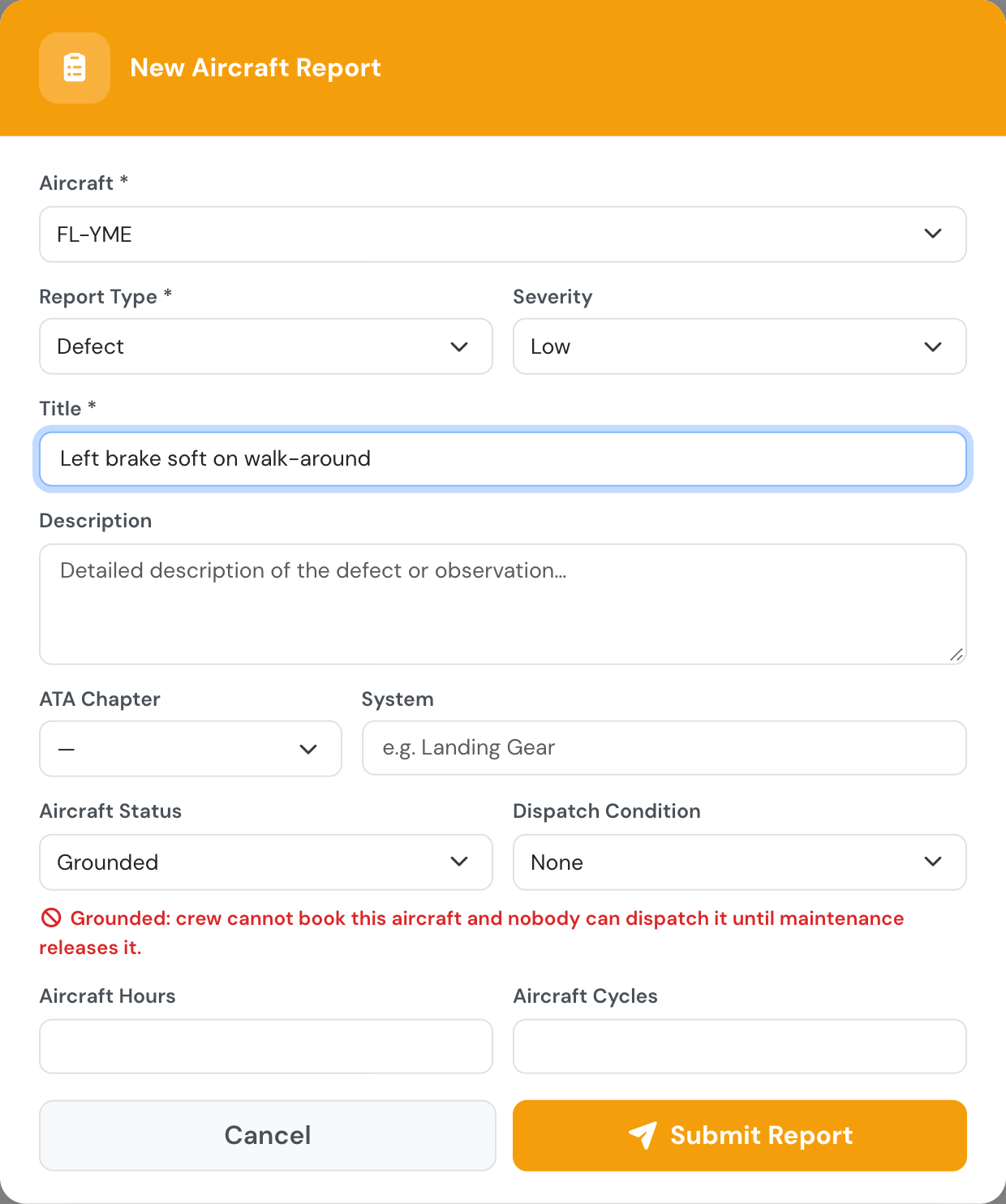
No flight, no block times: pick the aircraft and describe the defect.
While an open report marks the aircraft Grounded:
- pilots, instructors and students cannot book it, and the slot finder says why,
- nobody can dispatch it, managers included,
- pilots, instructors and students cannot log a flight on it that took place while it was grounded,
- managers and maintenance staff can still book it, with a warning, to plan the flights after the repair,
- the message managers receive lists the bookings already on the aircraft (nothing is cancelled automatically),
- the fleet list and the aircraft page show it as grounded.
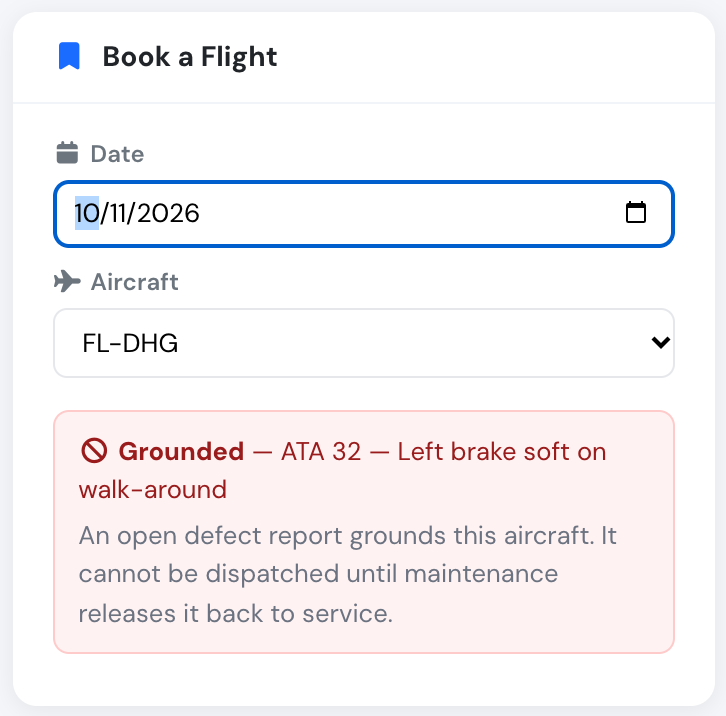
Crew see why the aircraft cannot be booked.
Only maintenance staff (Company Administrators, Operations Managers, Compliance & Safety Managers, Mechanics) and the aircraft’s managers can release it: set the report back to Flyable, close it, or sign the CRS of its maintenance job.
Both are on by default and each can be switched off in Company Settings → Aircraft → Aircraft defects: keep defect reporting without a flight to managers and mechanics, or leave Grounded as an informative label only.
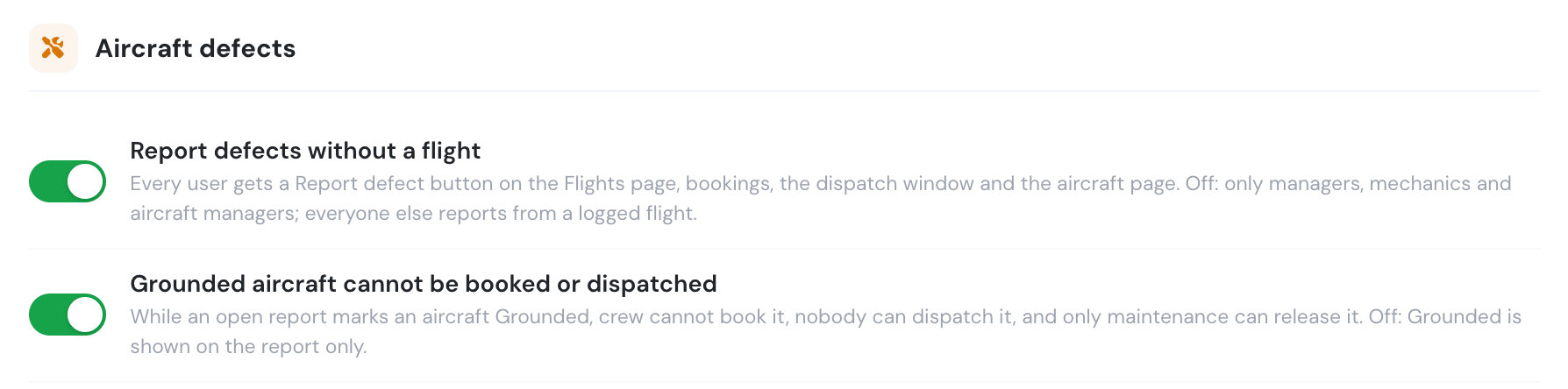
Each behaviour is a company setting.
See Aircraft reports for details.